

Essential Strategies for Expanding Your Inventory in Subnautica 2
Managing your inventory effectively is crucial in Subnautica 2, as your initial inventory is limited and can fill up quickly with resources and tools necessary for survival. This guide provides a comprehensive walkthrough on how to expand your inventory early in the game, focusing on gameplay mechanics and strategic approaches that will greatly benefit your survival efforts in the oceanic depths.
Core Gameplay Mechanics
When starting your adventure in Subnautica 2, players often find themselves overwhelmed by the variety of items and materials at their disposal. The initial inventory space can be restrictive, making it imperative to unlock inventory expansions as soon as possible. Understanding the significance of biobeds offers a path to enhancing your gameplay experience.
How to Expand Your Inventory in Subnautica 2
Expanding your inventory hinges on a few key steps, allowing players to gather and keep more resources while exploring the ocean depths. Follow these steps to unlock additional inventory slots effectively.
Step 1: Complete Anita’s Signal Objective
Upon starting your journey, engage with the objective marker connected to Anita’s signal. Completing this task is necessary before the game directs you to the last known location of Chap. Ensure to thoroughly follow the initial objectives as they set the stage for your subsequent inventory expansion.
Step 2: Proceed to Chap’s Lifepod
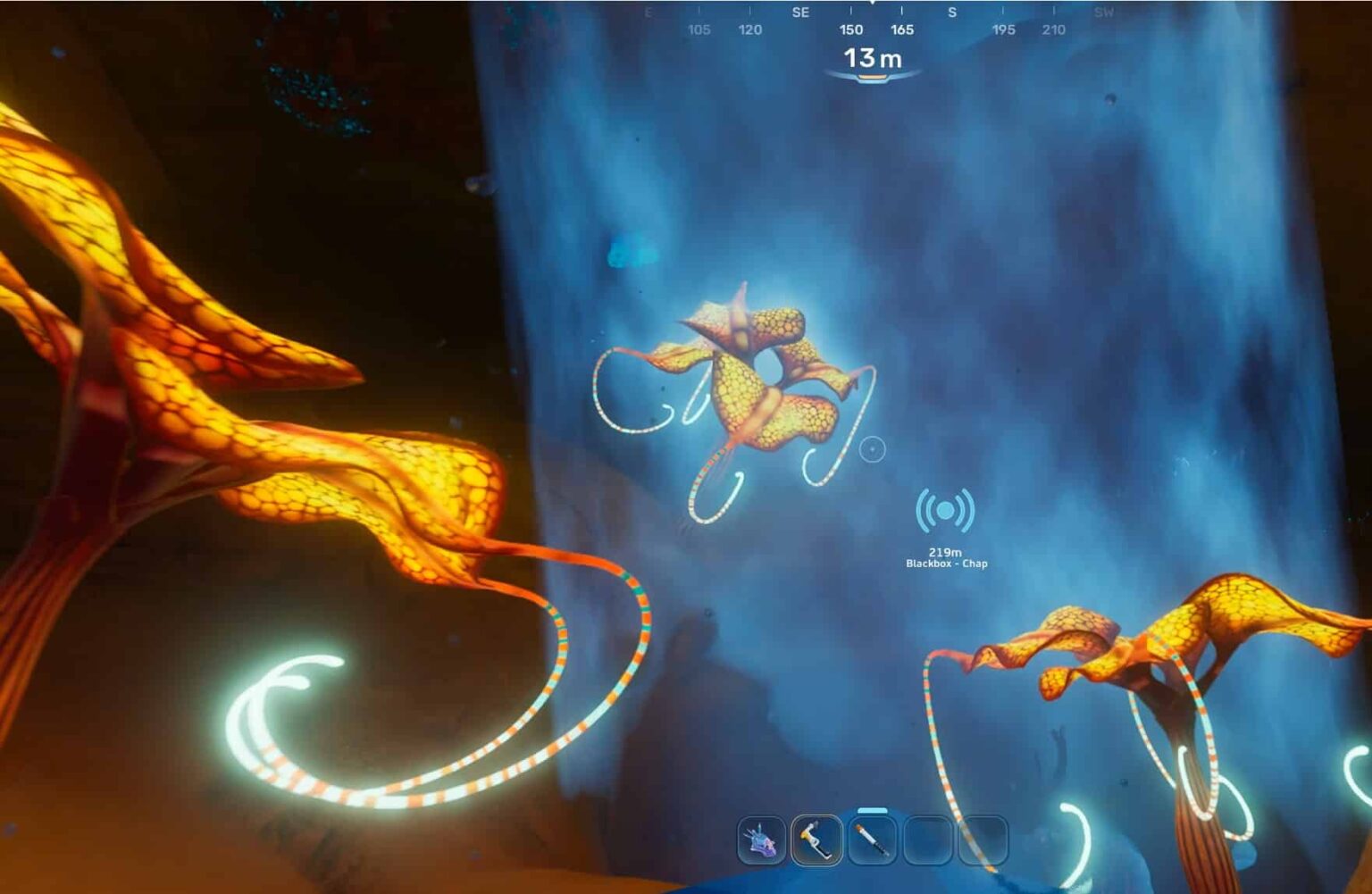
Once Anita’s objective is accomplished, a new signal will lead you to Chap’s lifepod, located approximately 250 meters from your starting lifepod. Dive cautiously and ensure your oxygen tanks are filled. It’s also advisable to carry extra air bladders to avoid potential suffocation during your exploration.
As you venture towards Chap’s lifepod, you’ll need to navigate through a cave. Keep a keen eye on your surroundings, as visibility may be low. When inside the cave, encounter a striking red hatch that may appear locked. Simply swim into it; no additional resources are required to enter.
Step 3: Locate the Biobed
Inside Chap’s lifepod, the objective is to find the biobed, a prominent pod-shaped device situated in the center of the room. Scan the biobed immediately upon entering to ensure it is recorded in your databank. After scanning, interact with the biobed to unlock an additional three inventory slots. This serves as a crucial first expansion, significantly boosting your resource management capabilities.
Are There More Inventory Upgrades?
Indeed, Chap’s lifepod provides the first opportunity for inventory expansion, but it is far from the only one. As players explore the ocean environment, they should continually seek out additional lifepods and explore other points of interest. Each biobed discovered expands your inventory further.
It is highly recommended to pursue additional inventory upgrades promptly instead of waiting until your inventory is full. The world of Subnautica 2 is filled with valuable debris, and managing space efficiently is vital to sustaining your survival. Juggling numerous materials can lead to stressful gameplay; therefore, maximizing storage options is essential.
Common Mistakes to Avoid
When expanding your inventory, some common pitfalls can hinder your progress:
- Ignoring Early Objectives: Players may forget to complete initial story missions, which can delay access to crucial upgrades.
- Neglecting Biobeds: They are often overlooked, but failing to scan and use biobeds can result in unnecessary frustration due to limited inventory.
- Underestimating Resource Management: Balancing resource collection and inventory space is vital; frequent drops or lack of planning can lead to wasted time and items.
Tips for Efficient Resource Management
To optimize your resource management while playing, consider the following tips:
- Prioritize Important Resources: Focus on collecting essential items such as food, water, and crafting materials. Avoid picking up everything.
- Plan Your Exploration: Create a strategy for exploration that includes biobeds and other locations that offer upgrades to inventory space.
- Regularly Check Your Inventory: Be conscious of what you are carrying and continuously assess what is necessary for your journey.
In Conclusion
Expanding your inventory in Subnautica 2 is not just about collecting items; it’s about strategic planning and effective resource management. Following the steps outlined in this guide will help players unlock more inventory slots early, giving them a considerable advantage while exploring the expansive ocean world. By being mindful of objectives, recognizing biobeds, and utilizing the available upgrades, players can significantly enhance their gameplay experience.